How to fix error 0xC004C008
About error 0xC004C008
The key has reached its activation limit or has been used on another device. Activate by phone:
-
1
Open Command Prompt as administrator and run the command below:
SLUI 4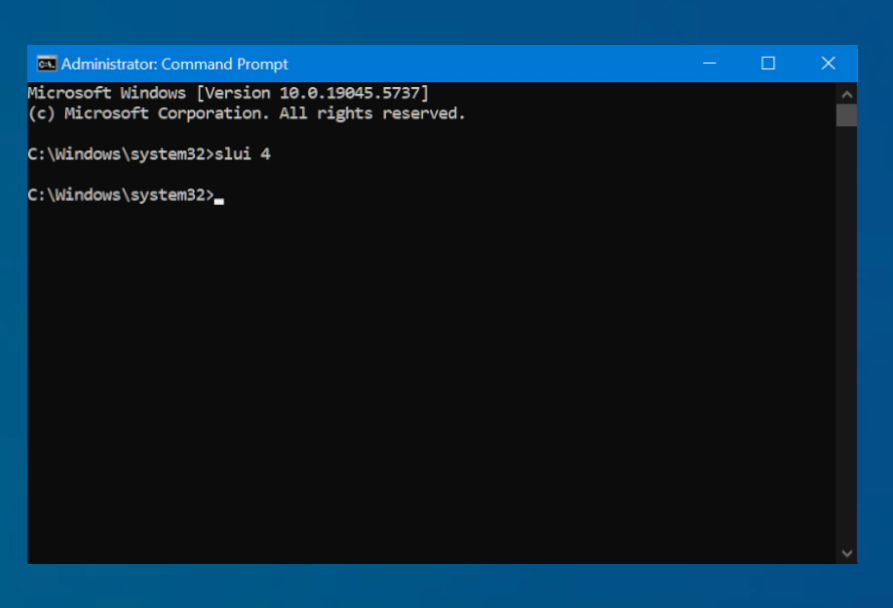
-
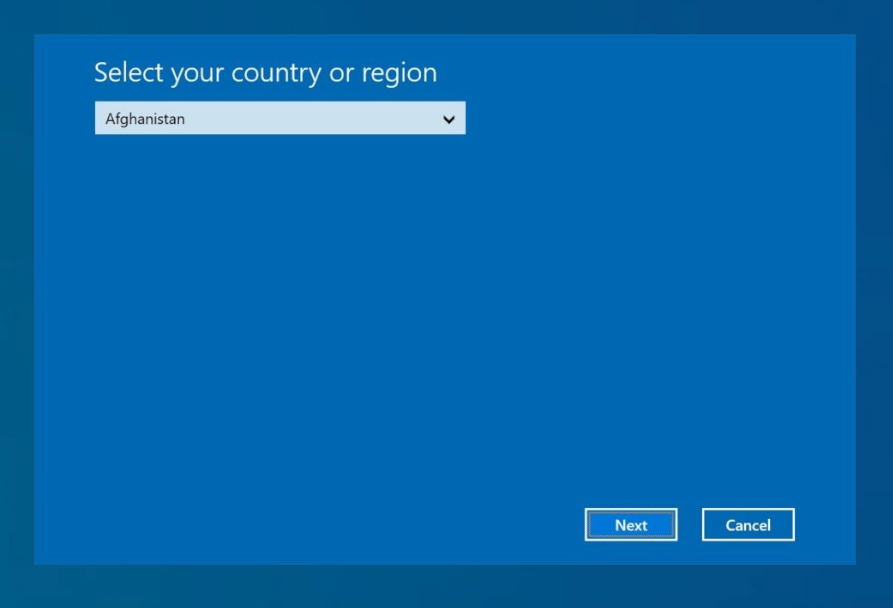
2Select the country and confirm.
-
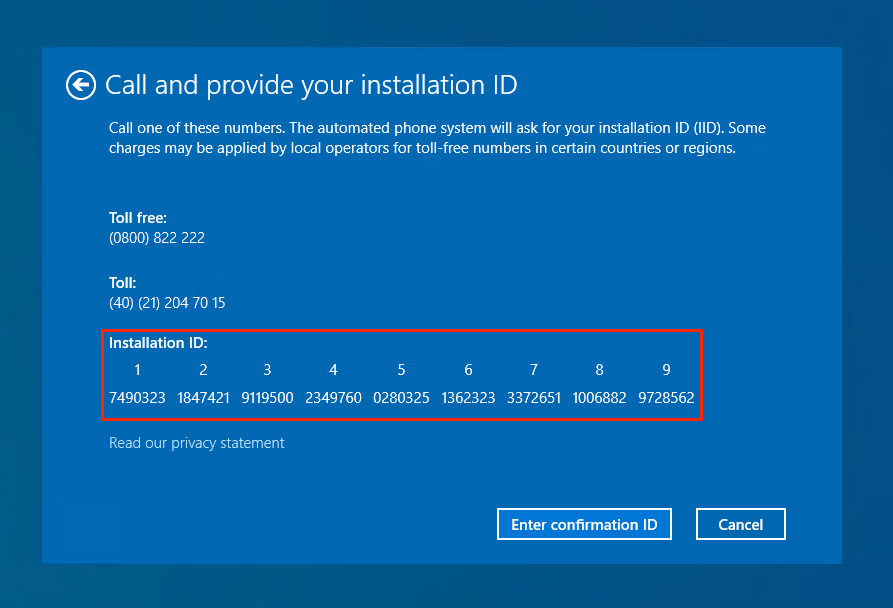
3Note down or take a photo of the displayed Installation ID.
-
4
-
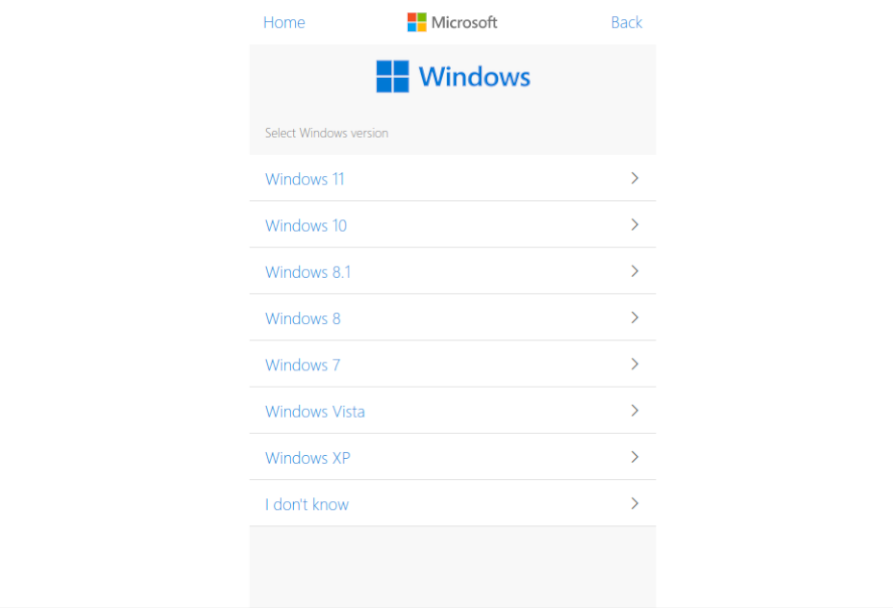
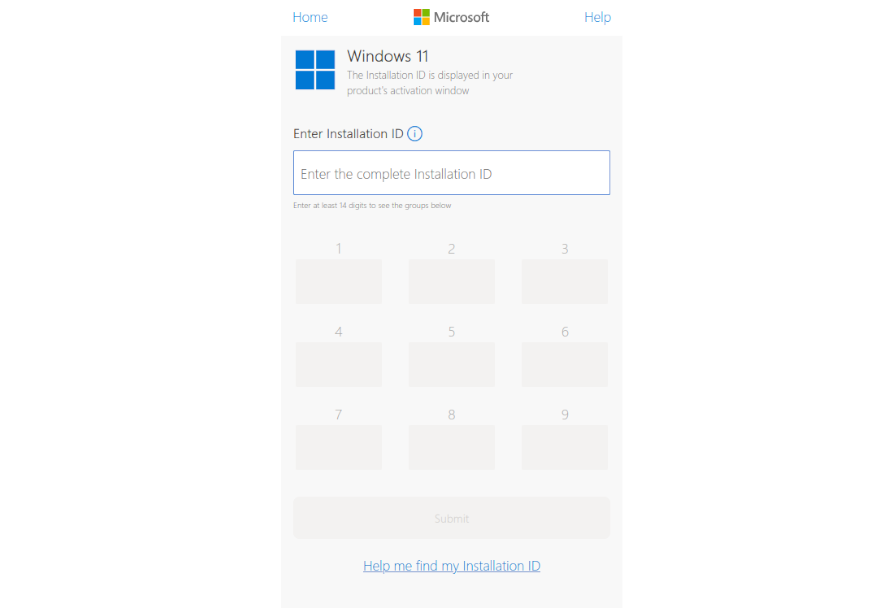
5Choose the product: Windows 11 or Windows 10.
-
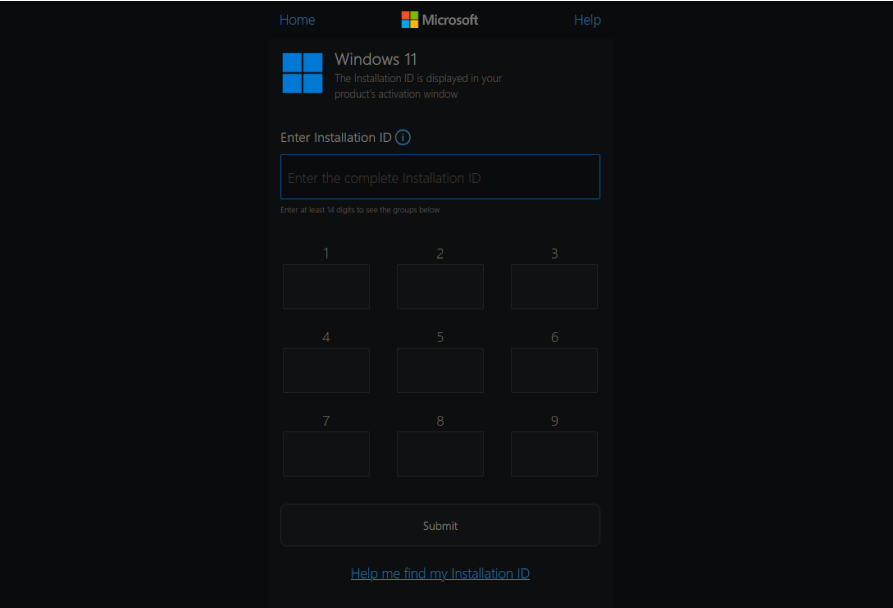
6Enter the Installation ID and press Activate.
-
7Immediately copy the Confirmation ID (it disappears quickly).
-
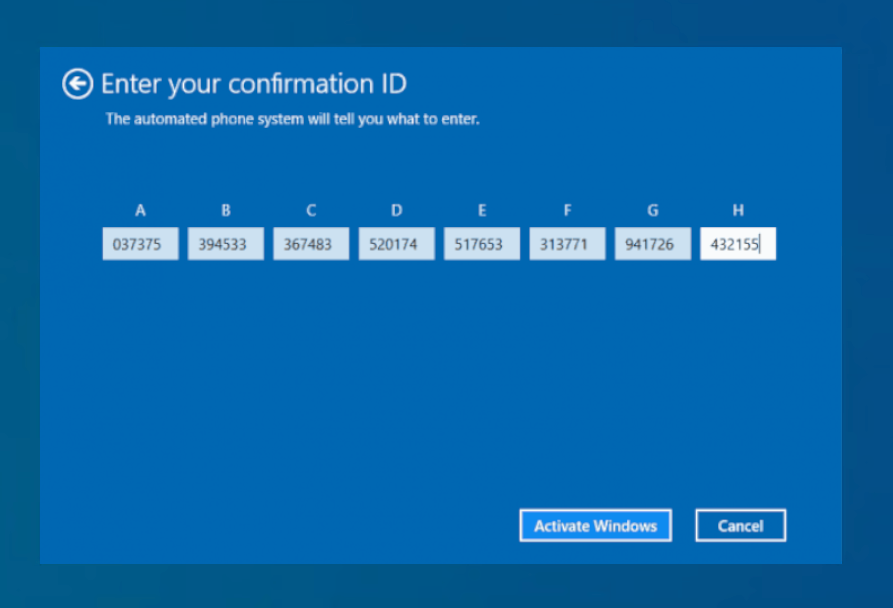
8Enter the Confirmation ID in the open activation window.
-
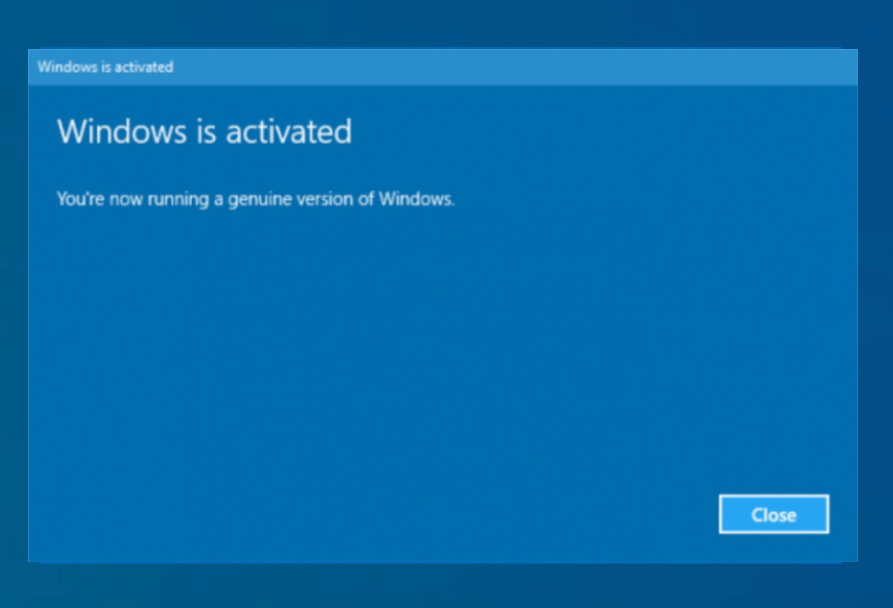
9The product is now activated and ready for use.
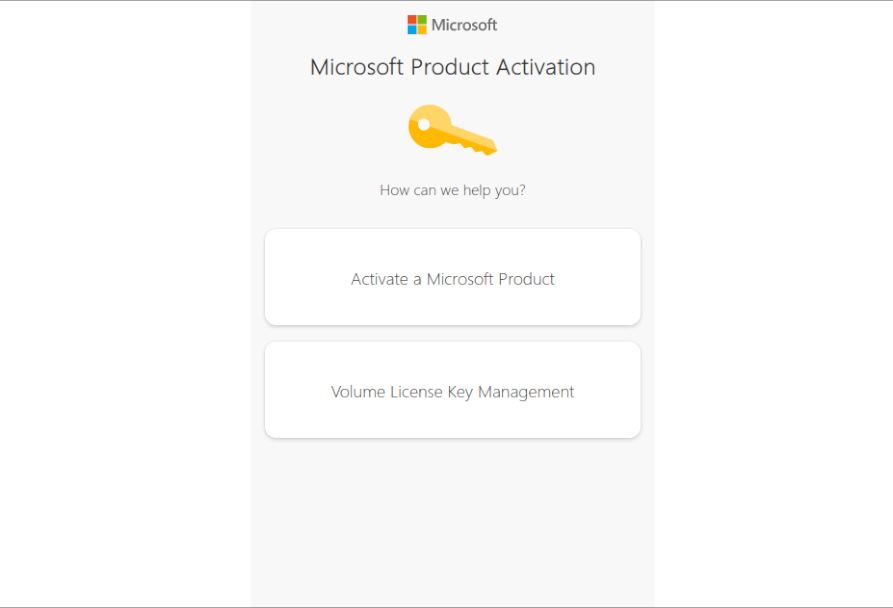
Even if the window provides a phone number, the call will redirect you to the same online portal. From 2025, activation is exclusively online.